Commands & Shortcuts Overview
Careti integrates directly into VSCode's interface, letting you access AI assistance without disrupting your workflow. These integrations appear as commands in context menus, keyboard shortcuts, and quick fixes throughout the editor.
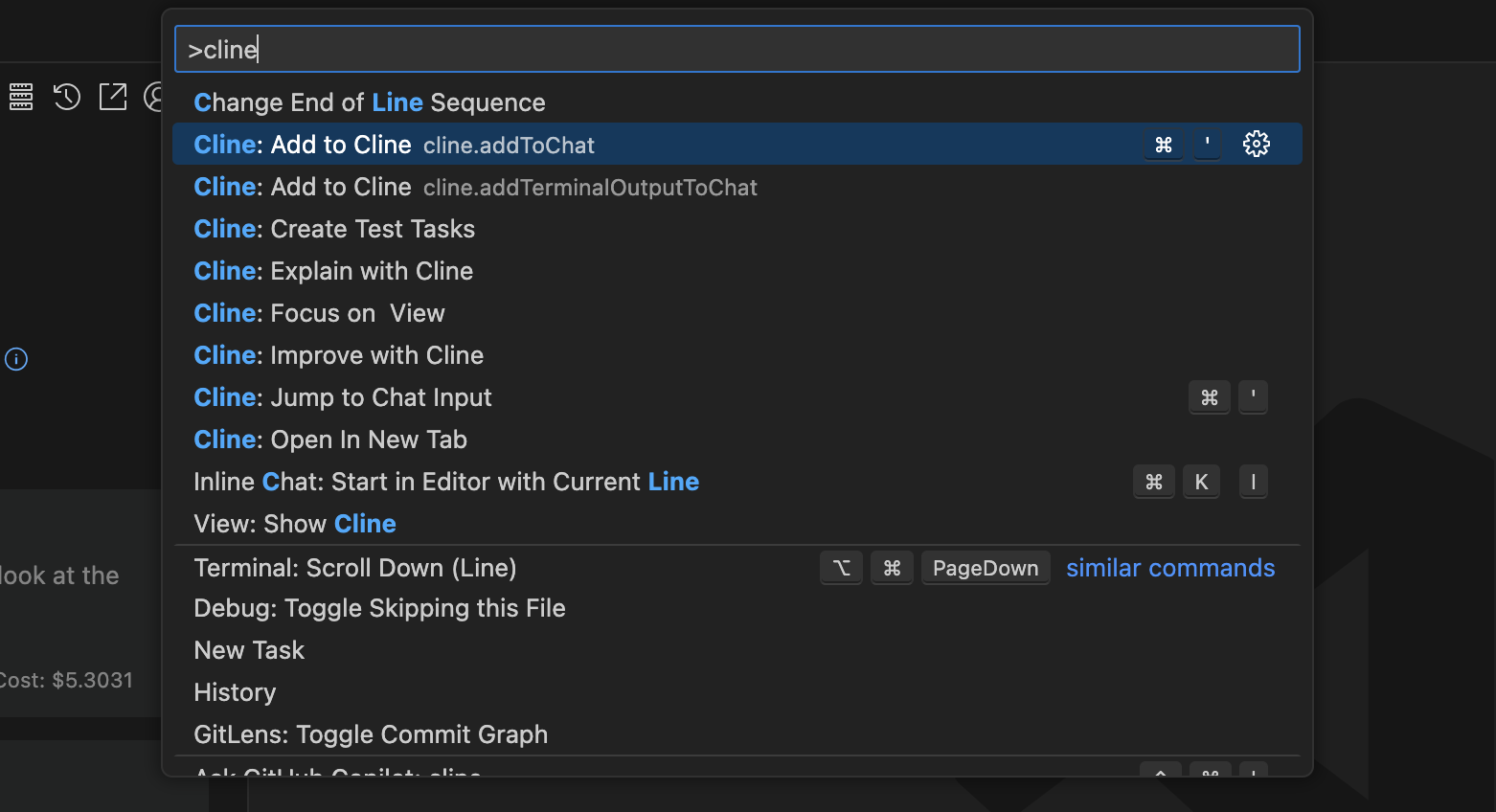
What are Editor Integrations?
Editor integrations are commands and shortcuts that let you use Careti right where you're working. Instead of switching to the Careti panel first, you can select code, right-click, and immediately send it to Careti for help. These integrations appear in different places throughout VSCode:
- In the editor context menu (right-click menu) - "Add to Careti"
- In the terminal context menu - "Add to Careti"
- In the Source Control view - "Generate Commit Message"
- As keyboard shortcuts - Various Careti commands
- As Quick Fix options (lightbulb menu) - "Fix with Careti", "Explain with Careti", "Improve with Careti"
Available Editor Integrations
Careti offers several editor integrations, each designed to enhance different aspects of your development workflow:
Code Commands
Right-click on code to add it to Careti, or use the lightbulb menu to fix errors, explain code, or improve it. Careti sees the complete code context, including imports and surrounding functions.
Terminal Integration
Add terminal output to Careti with a right-click or use @terminal mentions. Perfect for debugging build errors, test
failures, or runtime issues.
Git Integration
Generate commit messages, explain diffs, or analyze changes with Careti's Git integration. Careti understands your version control context.
Keyboard Shortcuts
Speed up your workflow with keyboard shortcuts for common Careti actions. Quickly add code to chat, fix errors, or improve your code.
How They Work
When you use these commands, Careti:
- Captures the relevant context (selected code, file path, terminal output, etc.)
- Focuses the Careti interface
- Creates a conversation with the captured context
- In some cases, automatically generates a suggested prompt
Behind the scenes, these commands use VSCode's extension API to register commands, access editor state, and control VSCode's interface.