Drag & Drop
Dragging and dropping files into Careti is a quick way to add images, code, and other files to your conversations.
Note
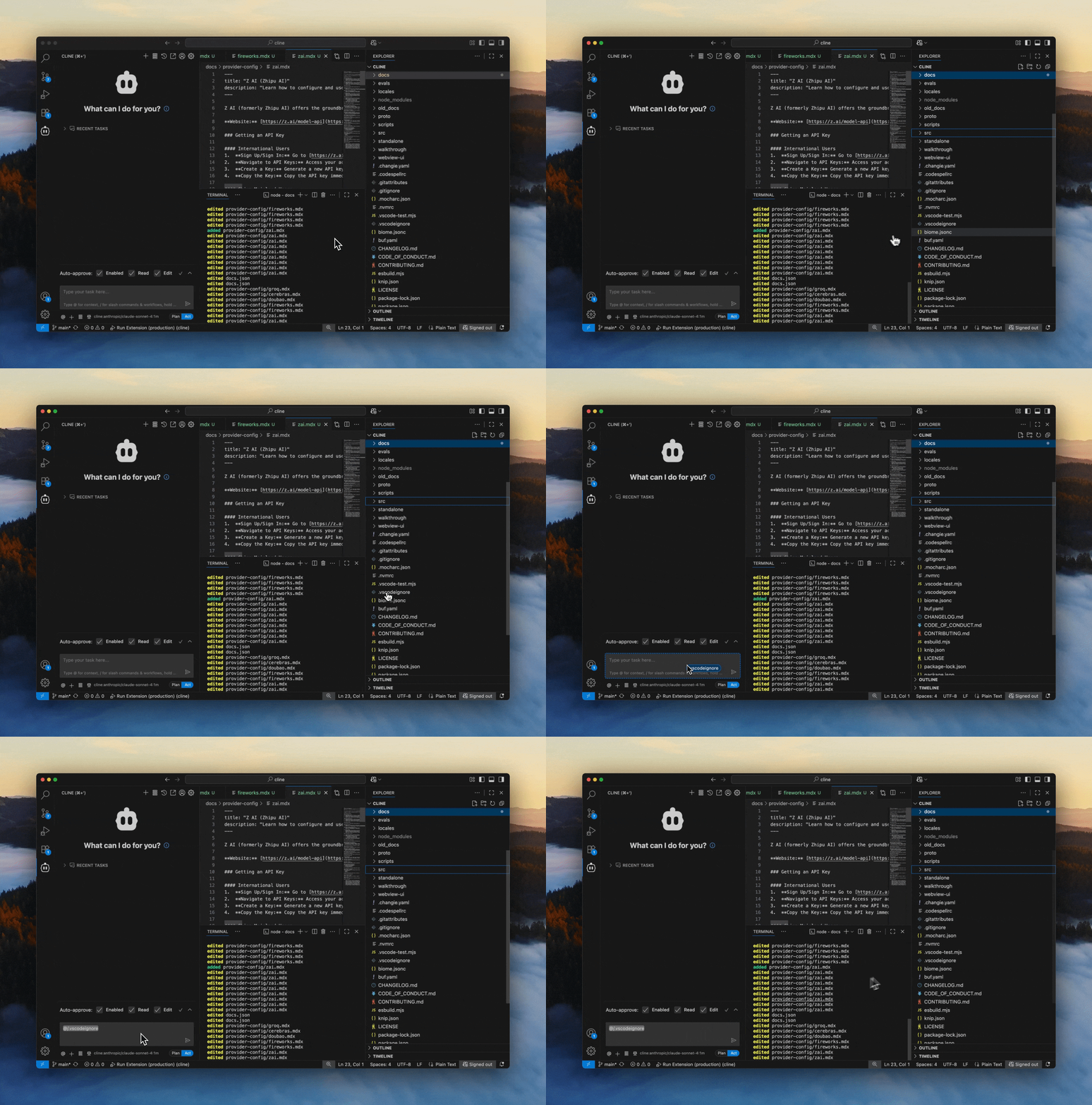
Due to VS Code quirks, to drag and drop files into the Careti chat input, you need to hold
Shift while dragging.Dragging and dropping workspace files into Careti will automatically create a file mention. This allows you to reference the file in your conversation without needing to type out the path.
Dragging from Finder/File Explorer
You can drag files directly from your system's file manager into Careti:
Supported File Types
Careti supports dragging external images, pdfs, csv, excel, and other text files from your file system, as well as files from your workspace.